Maintaining Your TV Antenna: Seasonal Checks and Care Tips
Your TV antenna stays exposed to the weather all year, and the Mid North Coast’s salt air, rain and wind can gradually affect its condition. Caring for your
TV antenna in Port Macquarie starts with simple seasonal checks indoors and from the ground. Knowing what to look for can help you spot damage or changes in reception and recognise when to call a technician.
Why Does a TV Antenna Need Seasonal Care on the Coast?
An outdoor antenna faces salt air, sunlight, rain and wind throughout the year. Over time, metal fittings can corrode, cable coverings can deteriorate and strong winds can shift the antenna or loosen its mounting.
TV antenna maintenance also involves the cabling and connections carrying the signal indoors. Faults in these parts can affect reception even when the antenna itself remains intact.
As the seasons change, watch for:
- An antenna or support pole that appears to lean or move
- Visible damage to external cabling
- Reception that becomes less consistent during rain or wind
Ground-level observations can help you notice changes and explain them to a technician without inspecting roof-mounted fittings yourself.
Storm Season: What to Check Before and After Bad Weather
Before forecast storms, look at the antenna from a safe position in your yard. Check for an obvious lean, bent sections or loose-looking cabling. A photograph taken from the ground can help you compare its position after bad weather.
Once the storm has passed and it is safe outside, look for:
- A change in the antenna’s direction or position
- Bent or missing antenna sections
- A support pole that has started leaning
- Cabling that has come loose or is hanging down
Arrange an assessment if you notice damage, particularly if reception has changed too. Do not touch fallen equipment or dangling cables. Leave antenna alignment to a technician with signal-testing equipment, as its appearance alone cannot confirm correct positioning.
Wet Months: Watching for Water Damage in Cabling and Connectors
Rain can reveal faults in cable coverings and outdoor connections. Coaxial cabling is the round cable that carries the broadcast signal from the antenna to your TV. Moisture entering damaged cabling or connectors can make reception unreliable.
Indoors, visually check the outside of the TV wall plate and the removable lead between the outlet and television, sometimes called a flylead. Leave the wall plate in place and do not open fittings.
Signs worth noting include:
- Moisture or staining around the TV outlet
- Visible corrosion on accessible connectors
- Cracks in the removable lead’s outer covering
- Signal dropouts that repeatedly occur during or after rain
Leave wet outlets and cables alone and arrange an inspection. Outdoor connections also need a technician’s attention. Our guide to proper cabling explains how cable condition affects the signal reaching your screen.
Cooler Months: Checking Trees, Debris and Line of Sight
A clear day in the cooler months offers a chance to review tree growth and visible debris around the antenna. Branches may have grown into the signal path since installation, gradually affecting reception. Wet foliage or branches moving in the wind can make the problem more noticeable.
Keep these checks at ground level:
- Look for branches growing close to the antenna or across the direction it faces
- Compare nearby tree growth with older photographs, if available
- Note whether reception changes when branches move in the wind
- Report fallen branches resting against the antenna or cabling
Ask a technician to assess whether vegetation is affecting reception before arranging pruning. Nearby trees are not automatically the cause, and a clear-looking view does not confirm correct alignment. Leave debris removal at roof height to someone qualified for that work.
Year-Round: Simple Checks You Can Do From the Ground and Indoors
After moving furniture or cleaning behind the television, check that the antenna lead has not pulled loose, become trapped or developed a sharp bend.
Switch off the TV before checking dry, accessible connections. Focus on a few straightforward tasks:
- Check that the lead sits securely in the wall socket and TV
- Look for damaged plugs or cracks in the cable covering
- Keep the lead clear of furniture legs and other pressure points
- Note which channels have problems and when they occur
Retune your TV when channel information changes or a broadcaster recommends it, following the television’s instructions. Retuning updates the channel list, but it cannot repair cabling or correct a shifted antenna. If poor TV reception keeps returning, arrange an assessment rather than repeatedly scanning for channels.
Why Has Reception Dropped Since Your Antenna Was Installed?
A system that worked well at installation can develop faults over time. Corroded connectors, worn cabling, tree growth and storm damage can all affect reception. Some changes happen gradually, while others become noticeable after a particular weather event.
Changes indoors can matter too. Adding outlets or extra splitters can reduce the signal reaching each television. A splitter is a fitting that distributes the antenna signal to more than one TV point.
For example, if the picture becomes patchy after rain but improves in dry weather, mention that pattern when booking an inspection. It gives the technician useful information without proving which component has failed.
Our guide to common TV reception problems covers troubleshooting for pixelation, missing channels and signal dropouts in more detail.
When Is It Time to Call a Professional?
Call a technician when reception problems persist, visible damage appears or simple indoor checks make no difference. Pixelation, where the picture breaks into blocks, can indicate an inconsistent signal without revealing where the fault lies.
Arrange an assessment when:
- Reception changes after a storm and does not recover
- Rain regularly triggers picture freezing or sound dropouts
- The antenna appears loose, bent or out of position
- Accessible connectors show corrosion or signs of moisture
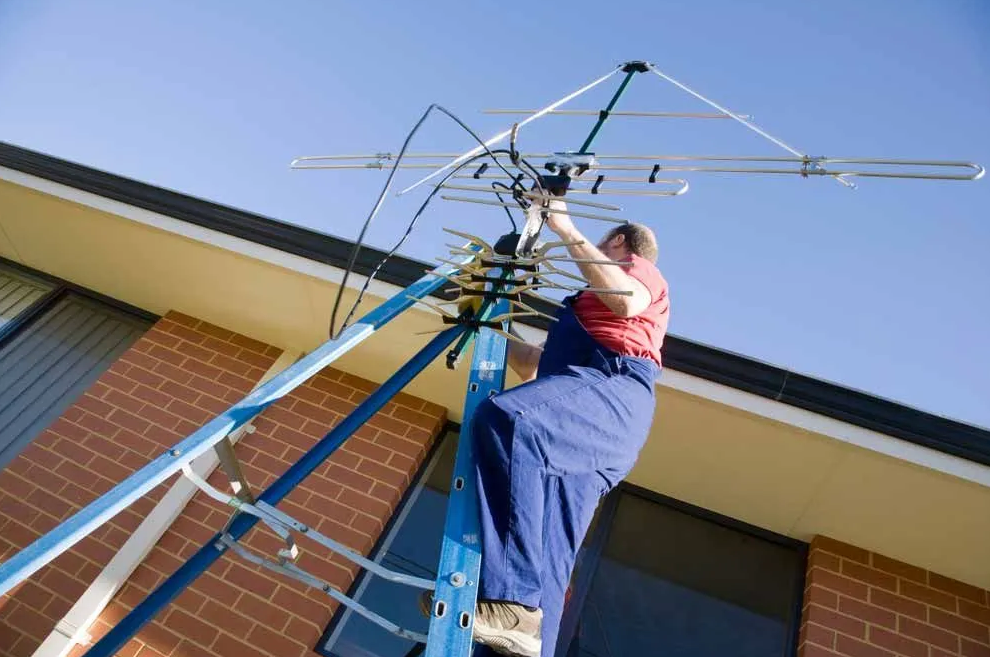
Leave roof inspections, external repairs and antenna adjustments to licensed technicians with Working at Heights accreditation. Signal testing and inspection can identify the cause before equipment is replaced.
How Regular Care Saves You Money on Repairs
Noticing changes early gives you a chance to address developing faults before they cause further disruption. A loose-looking cable or recurring wet-weather dropout is worth reporting, even if most channels still work.
Diagnosis can also help you avoid buying equipment that does not solve the problem. Poor reception does not automatically mean you need an antenna replacement. The issue may involve a connector, damaged cable or antenna alignment instead.
Keep indoor leads in good condition, watch for seasonal changes and have persistent problems checked. Regular care cannot prevent every failure, but it can support timely repairs and informed decisions about replacement.
Arrange a Local Antenna Assessment
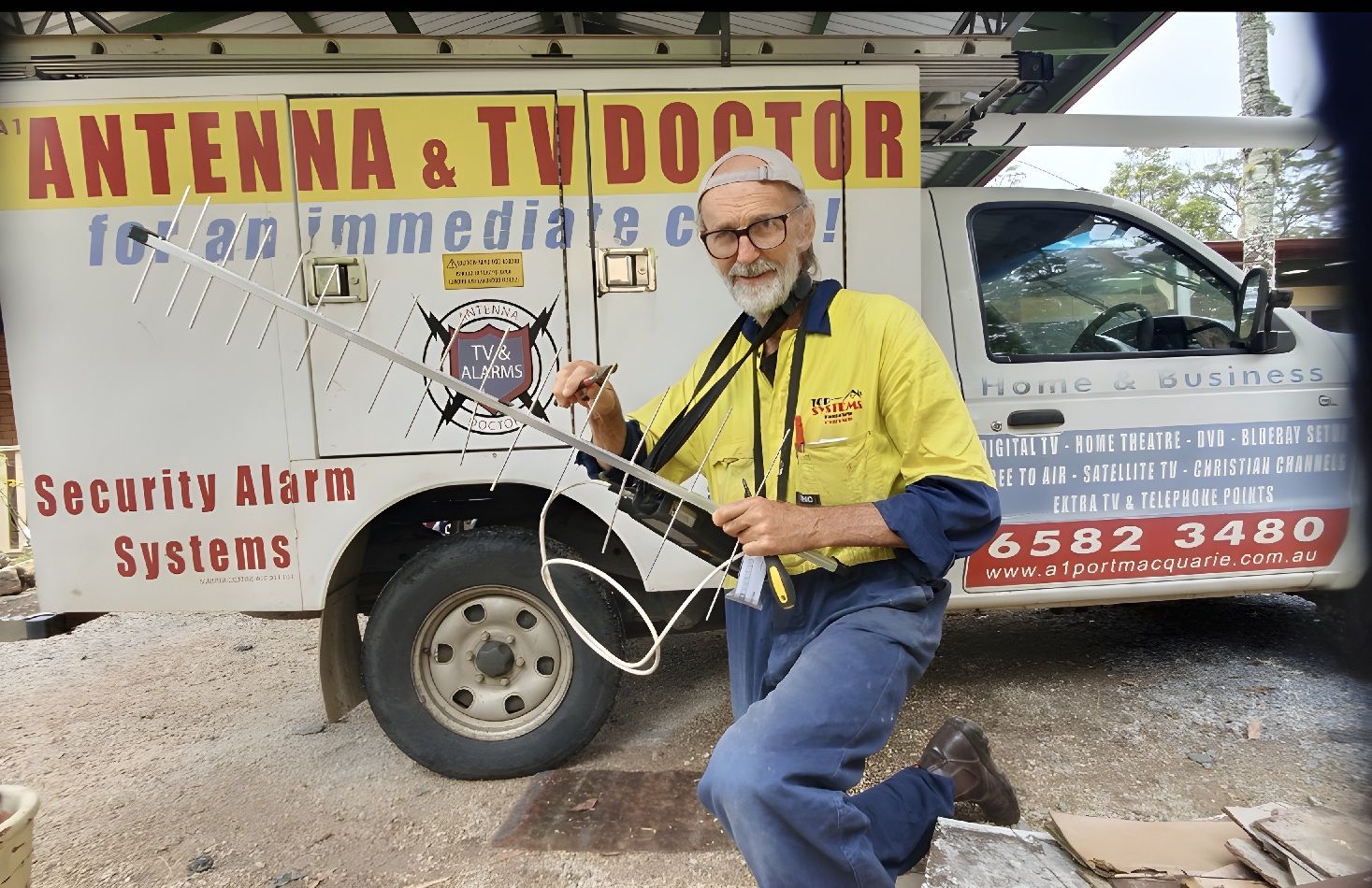
If your seasonal checks reveal damage or your reception has become less reliable, A1 Antenna Doctor can help. Our licensed local technicians service Port Macquarie, Wauchope and Laurieton, identifying the cause before recommending repairs or replacement.
Contact our team to arrange an antenna assessment.
Frequently Asked Questions
How often should a TV antenna be checked?
Homeowners can make visual checks from the ground as the seasons change and after severe weather. There is no single inspection schedule that suits every property. Visible damage, recurring signal dropouts or worsening reception are reasons to arrange a professional assessment.
Does a TV antenna need replacing if reception gets worse?
Poor TV reception does not automatically mean the antenna needs replacing. Damaged coaxial cabling, corroded connectors or changes in antenna alignment may be responsible. A technician can test the system to determine whether repair or replacement is appropriate.
Can an antenna look undamaged but still have a fault?
Yes. A ground-level check cannot reveal corrosion inside connectors or damage within cabling. If pixelation or signal dropouts continue despite secure indoor connections, professional testing can help locate the fault.
Should you retune your TV after a storm?
Retuning is not usually the first step when reception changes after a storm. It cannot correct storm damage, water entering connections or a shifted antenna. Check dry indoor connections and look for visible damage from the ground, then arrange an assessment if the problem persists.